
Ways To Use UGM
One platform. Very different tables.
A quiet home campaign, a hybrid group, a creator workshop and a convention stage do not need the same setup. UGM gives each role the view it needs while keeping the session connected.
These examples show how the complete UGM v2 experience is intended to work. Availability grows as each part passes testing.
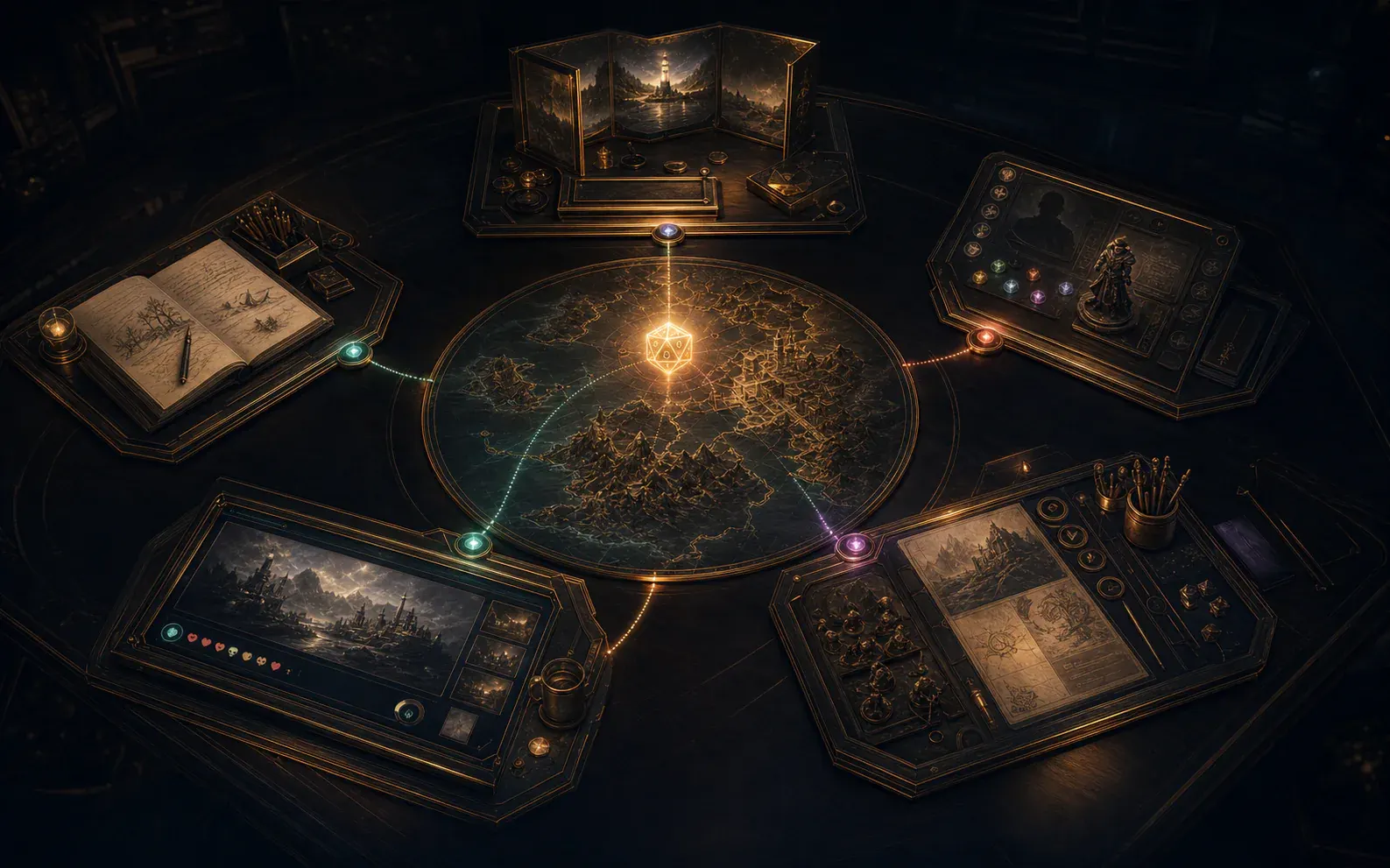 Concept visual
 Change the setup without changing the campaign.
Tables In The Real World
Start with the people, place and style of play.
Choose only the tools that help your setup instead of forcing every group to play and prepare the same way.
- 01
Classic Group
A GM and players around one table.
Run offline, connect nearby devices over your local network and share maps, sheets, rolls and reveals.
- 02
Hybrid & Remote
Bring distant players into the same moment.
Use invitations, reconnect and player-safe updates when connected play reaches production readiness.
- 03
Creator-Led
Build the world before anyone arrives.
Create game rules, campaigns, Packages, layouts and media with clear sources and ownership.
- 04
Public Play
Give the room an audience view.
Use dedicated displays and stream canvases for shops, clubs, conventions and actual play.
- 05
Shared Worlds
Different parties, one persistent world.
Invited GMs run separate tables, claim shared missions and contribute approved outcomes. A World GM guides lore and timing so weekly and monthly groups can keep playing.
- 06
Shared Control
Add assistants, proxies or extra GMs.
Delegate the right actions without handing every secret and control to every device.
No Single Correct Table
UGM supports judgement, not just automation.
Use manual rolls, physical props, theatre of the mind, detailed maps or automated help in the combination that suits the game.
- 01
Keep the GM in control where a game needs one.
- 02
Support shared or guided play where the table uses different authority.
- 03
Add specialised modules without making them mandatory for everyone.
The UGM Community
Your table probably has a use case we missed.
Tell the Discord community how your group plays, connects, shares control and handles the unexpected.